Make the Most of Manheim in Any Language
This guide is also available in Spanish. Access the Spanish version here.
Manheim is committed to providing educational, insightful resources that help customers maximize their platform experience and run their businesses more efficiently. If you prefer to read this content in another language, most web browsers offer built‑in translation tools you can use at any time.
Below are links to official browser guides with the most up‑to‑date instructions.
Chrome:
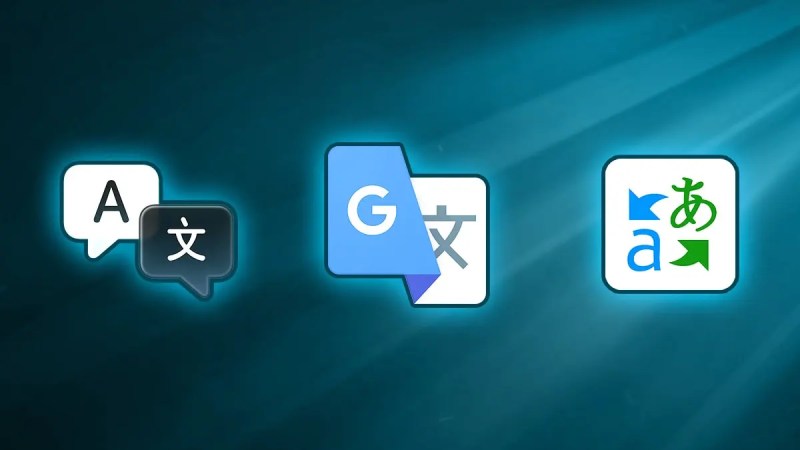
- Use the Translate icon
 on the right side of your address bar or via the Chrome menu ⋮
 - Or right click anywhere on the page and select “Translate”
- For more detailed directions, view the Chrome support guide here: https://support.google.com/chrome/answer/173424
Edge:
- Use the translate icon
 in the address bar
 - Depending on your browser settings, the browser may automatically detect the language of the page and a menu will appear asking you to confirm
- For more detailed directions, view the Edge support guide here: https://support.microsoft.com/en-us/topic/use-microsoft-translator-in-microsoft-edge-browser-4ad1c6cb-01a4-4227-be9d-a81e127fcb0b
Safari:
- Use the translate icon
 in the Smart Search field (address bar) or via the Safari reader icon
 - For more detailed directions, view the Safari support guide here: https://support.apple.com/en-lb/guide/safari/ibrw646b2ca2/mac
Firefox:
- Click the translation icon
 in the toolbar or select “Translate page” from the menu
 - Or highlight and right-click the text you want to translate, and select “Translate selection to…” from the menu
- For more detailed directions, view the Firefox support guide here: https://support.mozilla.org/en-US/kb/website-translation

